 Skip to content
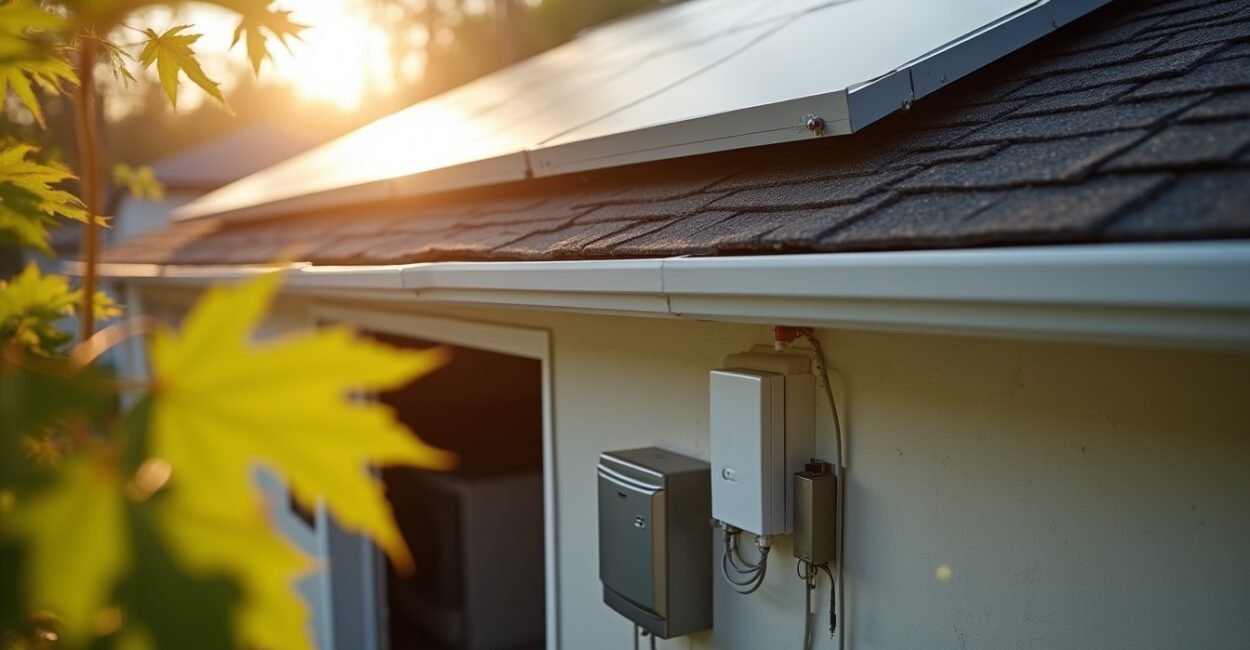
A solar smart home is a house that uses rooftop solar to generate electricity and smart devices to time, control, and reduce energy use around that production. The payoff is not just lower bills; it is better timing. When your washer, thermostat, water heater, and battery all learn when the sun is strongest, your home starts using power when it is cheapest to make.
That matters because solar alone does not solve wasted energy. A panel array can produce clean electricity at noon while your biggest loads happen at 7 p.m. A smart home closes that gap. In practice, the best setup is rarely the most expensive one; it is the one that helps you shift flexible loads, avoid waste, and make your inverter, battery, and appliances work as a system. Here are seven affordable integrations that do exactly that.
Key Takeaways
- The smartest solar setup is not the biggest one; it is the one that matches flexible appliances to daytime production.
- Low-cost devices like smart plugs, thermostats, and load controllers often deliver savings faster than adding more panels.
- A battery helps, but load shifting usually gives the first measurable win because it cuts peak grid use without a large upfront cost.
- Automation works best when it is tied to real signals such as sunlight, battery state of charge, and time-of-use pricing.
- Most rookie mistakes come from buying gadgets first and only later thinking about wiring, Wi-Fi stability, and actual household habits.
Solar Smart Home Basics: How Solar Panels And Automation Work Together
A solar smart home combines a photovoltaic (PV) system with connected devices that respond to production, consumption, or utility rates. The formal idea is simple: generate electricity on-site, then coordinate loads so the home consumes more power when solar output is high and less when it is low.
That is the technical version. The everyday version is easier: your home stops acting like a pile of unrelated devices and starts acting like a schedule. A smart thermostat can pre-cool a house at noon, a water heater can run after breakfast, and a dryer can wait for sunshine instead of pulling from the grid during the evening peak.
For grid-connected homes in the U.S., the most relevant pieces are the inverter, net metering or export rules, smart meters, and load flexibility. The U.S. Department of Energy’s solar guide for homeowners explains the basics well, and the National Renewable Energy Laboratory has plenty of useful research on system performance and storage. If your utility uses time-of-use pricing, the value of automation increases because every shifted kilowatt-hour has a clearer dollar value.
A solar smart home works best when it treats electricity as something to schedule, not just something to consume.
Why this setup saves money faster than people expect
Most homes waste easy savings by letting appliances run whenever they want. Once you move even a few flexible loads into daylight hours, the bill changes in a visible way. The biggest wins usually come from HVAC, water heating, pool pumps, and laundry, because those loads are predictable and easy to automate.
Seven Affordable Integrations That Make Solar Useful Today
These are the integrations I would prioritize first because they are low-cost, practical, and easy to undo if they do not fit your home. None of them requires a mansion-size budget or a custom control system.
1. Smart plugs for flexible appliances
Smart plugs are the cheapest entry point. Use them for lamps, fans, dehumidifiers, coffee makers, or small office gear. The point is not glamour; it is control. You can schedule these devices for daylight hours or turn them off when the house is exporting power instead of importing it.
2. A smart thermostat with solar-aware scheduling
A thermostat can pre-cool a home when the sun is strong and coast later in the day. That matters because HVAC is one of the largest residential loads. If you have good insulation, this strategy works very well. If your home leaks air like a sieve, the thermostat will still help, but the savings will be smaller.
3. Smart water heater control
A water heater is one of the easiest loads to shift because hot water has thermal storage built in. A smart controller or timer can heat water during peak solar production and avoid expensive evening demand. This integration often pays back faster than people expect because the heater cycles every day.
4. EV charging that starts when solar surplus is available
If you have an electric vehicle, this may be the single best automation you can buy. A Level 2 charger with scheduling can start charging at noon or after battery reserves are full. Some systems can even respond to live solar surplus, which is ideal when your commute leaves the car parked all day.
5. Battery storage with simple load prioritization
A home battery is not cheap, so it is not the first move for every homeowner. Still, it becomes much more useful when paired with load priorities. During outages or evening peaks, the battery should serve the loads that matter most first: refrigeration, internet, lighting, and a few essential outlets.
6. Smart lighting for small but consistent gains
Lighting will not make or break your bill, but it is a clean place to start. Motion sensors, dimmers, and schedules eliminate wasted runtime. In a solar setup, smart lighting also helps you see the home as a sequence of zones instead of one all-or-nothing switch.
7. Energy monitoring at the panel or circuit level
If you do not measure, you are guessing. A home energy monitor shows where electricity goes in real time, and that data makes every other integration more useful. It helps you identify phantom loads, find appliance spikes, and confirm whether your automations are actually shifting usage.
Here is the practical order I recommend for most beginners:
- Install energy monitoring first.
- Add smart plugs and lighting controls next.
- Move HVAC and water heating into solar-friendly schedules.
- Upgrade to EV charging and battery logic only after you understand your real load profile.
The cheapest solar upgrade is often not another panel; it is a control layer that stops your home from wasting daytime production.
How To Choose Devices Without Wasting Money
Buying for a solar smart home is less about brand names and more about compatibility, load size, and stability. A beautiful app means very little if the device drops off Wi-Fi, needs constant resets, or cannot handle the appliance you want to control.
Check the load first, not the marketing
A device must match the electrical load it controls. A small smart plug is fine for a lamp, but it is the wrong choice for a space heater or large appliance. For high-draw equipment, use rated relays, dedicated controllers, or products designed for that exact application.
Prefer systems that still work without the cloud
Cloud-dependent gadgets can be convenient, but they add failure points. Local control through Matter, Home Assistant, Zigbee, or Z-Wave is often more reliable over time. A device that works during an internet outage is a better fit for a home that depends on energy coordination.
Look for utility compatibility and export rules
Solar value changes depending on your net metering policy, feed-in tariff, and time-of-use structure. A home in a favorable net metering market may care more about backup power and self-consumption, while a home with lower export credit benefits more from aggressive load shifting. The EPA’s solar power resources offer a good starting point for understanding the broader market context.
One thing I have seen repeatedly: homeowners buy automation tools before they understand their biggest load. Then they end up controlling a few lamps while the water heater, dryer, and HVAC still drive the bill. That is why the first step should always be measurement.
| Integration | Typical Cost Range | Best Use | Common Mistake |
|---|---|---|---|
| Smart plug | Low | Small flexible appliances | Using it on oversized loads |
| Smart thermostat | Low to moderate | HVAC scheduling | Ignoring insulation and air sealing |
| Water heater controller | Low to moderate | Thermal load shifting | Overheating water beyond need |
| EV charger scheduling | Moderate | Daytime charging | Charging at peak grid rates by default |
The Setup Mistakes That Break The Savings
Most of the pain comes from mismatched expectations. A smart home is not magic, and solar does not erase bad habits. If your habits fight your automation, the system will still work, but the financial result will disappoint you.
Buying panels before fixing the load profile
Extra panels help, but they do not solve a home that burns electricity at the wrong time. If your largest consumption happens after sunset, the first question is how to shift or reduce that load. Panels and batteries should support a better pattern, not compensate for avoidable waste.
Ignoring installation quality
Loose Wi-Fi, poor placement of sensors, and undersized electrical components create unreliable automations. Solar systems also need solid installation practices, including proper inverter setup, code compliance, and safe circuit design. A cheap shortcut can cost more than a careful install.
Automating everything at once
When people overload the system on day one, they lose track of what is actually working. Start with one or two loads, verify the results, then expand. That slower approach is more honest and usually cheaper.
Mini-example: A family in a three-bedroom suburban house added rooftop solar, then started with a smart thermostat and two smart plugs. They scheduled the dishwasher for midday, pre-cooled the house before 3 p.m., and moved EV charging to solar hours. The bill did not disappear, but the monthly grid draw dropped enough to make the system feel useful within the first season. The key was not a giant battery. It was a few well-timed decisions.
What To Do First If You Are Starting From Zero
If you want the highest chance of success, begin with measurement, then add the cheapest controls, then layer on the bigger loads. That order gives you data before you spend real money. It also keeps the system simple enough to understand.
Start by checking your utility rate plan, your roof’s production window, and your top three electricity loads. Then choose one integration that matches a clear daytime opportunity. For many homes, that first win is a smart thermostat or water heater schedule. For others, it is EV charging or a small home battery paired with local control.
The best solar smart home is not the most futuristic one. It is the one that consistently turns free sunlight into useful household behavior.
Next step: review your last 12 months of utility bills, identify the two largest flexible loads, and install one monitoring tool before buying any new automation hardware.
Frequently Asked Questions
What is the easiest device to start with in a solar smart home?
A smart plug or smart thermostat is usually the easiest first step. Both are affordable, simple to install, and easy to remove if they do not fit your routine. They also teach you how your home uses energy without requiring a large upfront commitment.
Do I need a battery for solar automation to work?
No. A battery helps with backup power and evening usage, but load shifting can deliver meaningful savings without storage. Many homes see their first real gains from scheduling appliances and HVAC before they ever add a battery.
Which appliances give the best return when automated?
HVAC, water heating, EV charging, and pool pumps usually offer the best return because they use a lot of electricity and can often be scheduled. Lighting and small electronics help too, but their financial impact is smaller. The highest-value move is always the one tied to the biggest flexible load.
Is this setup worth it if I only have a small solar array?
Yes, because automation helps you use more of what your array already produces. A small system can still offset more of your daytime use if loads move into sunlight hours. The size of the array matters, but timing often matters more.
What is the biggest mistake beginners make?
They buy gadgets before understanding their usage pattern. Without monitoring, it is easy to automate low-impact devices and miss the appliances that drive most of the bill. Measurement should come before expansion.
Can a solar smart home work with older appliances?
Yes, in many cases. You may not be able to fully automate older equipment, but timers, smart outlets, and external controllers can still shift usage. The main limit is safety: high-draw appliances need hardware that is properly rated for the load.


